
First impressions at an event aren't made on stage — they're made at the gate. A slow, confusing, or poorly managed entry process frustrates guests before the event even begins, and the damage is hard to undo. The good news: almost every entry-day disaster traces back to one of a handful of avoidable mistakes. Here are the seven most common ones, and how a QR-based check-in system like GateScan helps you fix them.
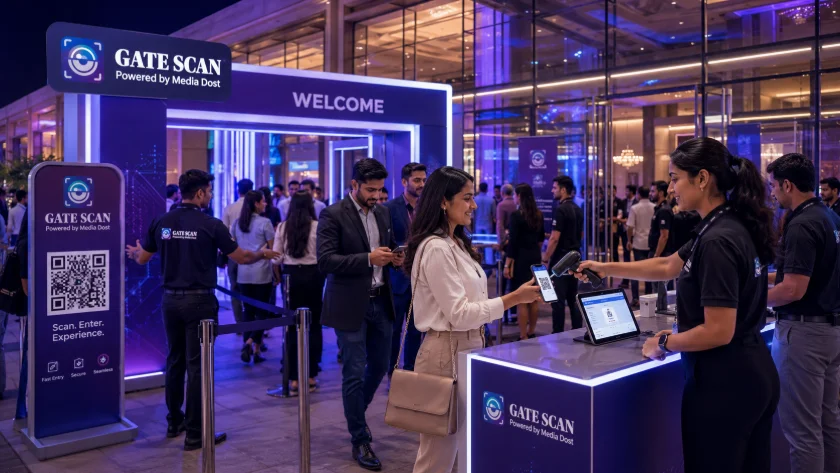
Mistake 1 – Relying on a Single Entry Point Funneling every guest — VIPs, walk-ins, and pre-registered attendees alike — through one gate guarantees a bottleneck. Even a well-trained team can't outrun basic math: one lane can only process so many people per minute. Fix: Split guests into dedicated lanes (pre-registered, walk-in, VIP) and set up GateScan on multiple devices so each lane scans independently, with all data syncing to one dashboard in real time.
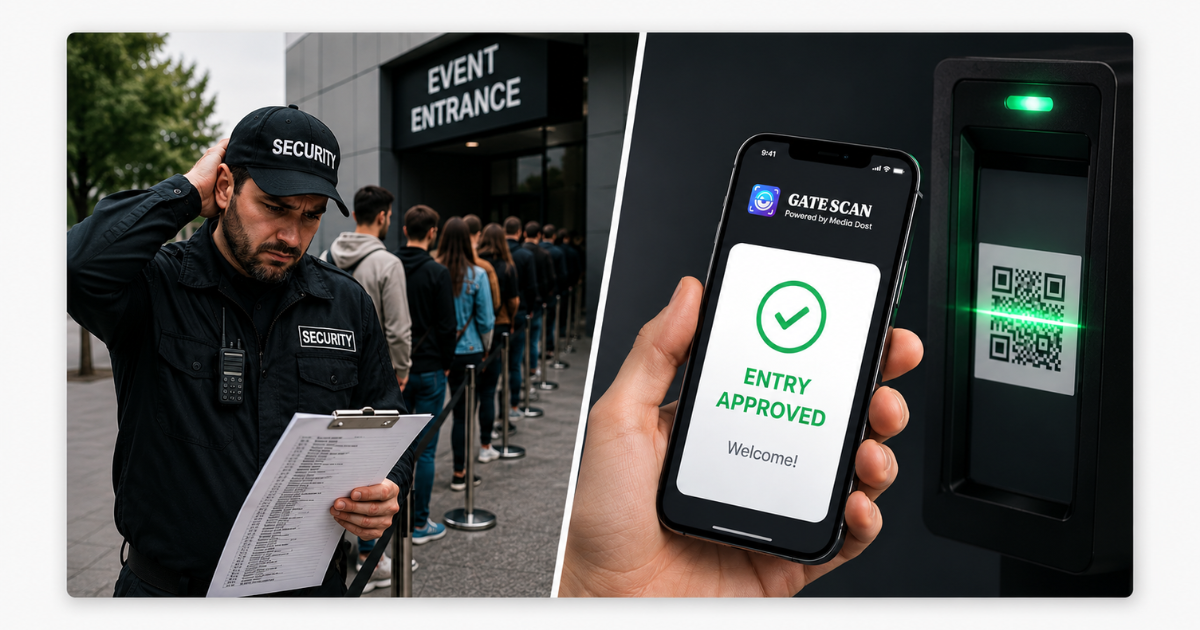
Mistake 2 – Using Paper Guest Lists Manually scanning a printed list for a name is slow, and it gets slower as the list — and the queue behind it — grows. Misspellings and duplicate names make it worse. Fix: A QR or barcode scan takes under two seconds per guest and eliminates manual lookup entirely. GateScan verifies each ticket instantly against your guest database, so there's no scanning through pages under pressure.
Mistake 3 – Sending Entry Staff In Undertrained Your entry team is the first human interaction a guest has with your event. Staff who don't know the check-in tool or how to handle a lost ticket or name mismatch create delays and a poor first impression. Fix: Run a walkthrough before doors open. Assign clear roles — scanner, verifier, guide, lane supervisor — and make sure every staff member has used GateScan's exception-handling flow at least once before go-time.
Mistake 4 – Leaving Attendees to Guess at Entry Details If guests don't know which gate to use, what ID to bring, or when doors open, they'll ask staff at the entrance — and every question adds seconds to the queue. Fix: Send entry instructions by email and SMS at least 48 hours out, including gate number, parking info, and required ID. GateScan can trigger these reminders automatically alongside each guest's QR ticket.
Mistake 5 – Skipping Signage and Crowd Flow Planning Without clear signage, rope lines, or floor markings, guests bunch up at decision points — usually right at the door — and create the exact bottleneck you were trying to avoid. Fix: Use directional signage and barriers to guide guests before they reach the scanner, and position staff at any point where the path isn't obvious.
Mistake 6 – Having No Backup for System Failures Wi-Fi drops. Devices die. If your entire check-in process depends on one connection or one device with no fallback, a single glitch can stall the whole line. Fix: GateScan supports offline-capable scanning, so check-ins keep working even if connectivity drops, then syncs automatically once it's back. Always have one staff member designated to troubleshoot without pulling anyone off the line.
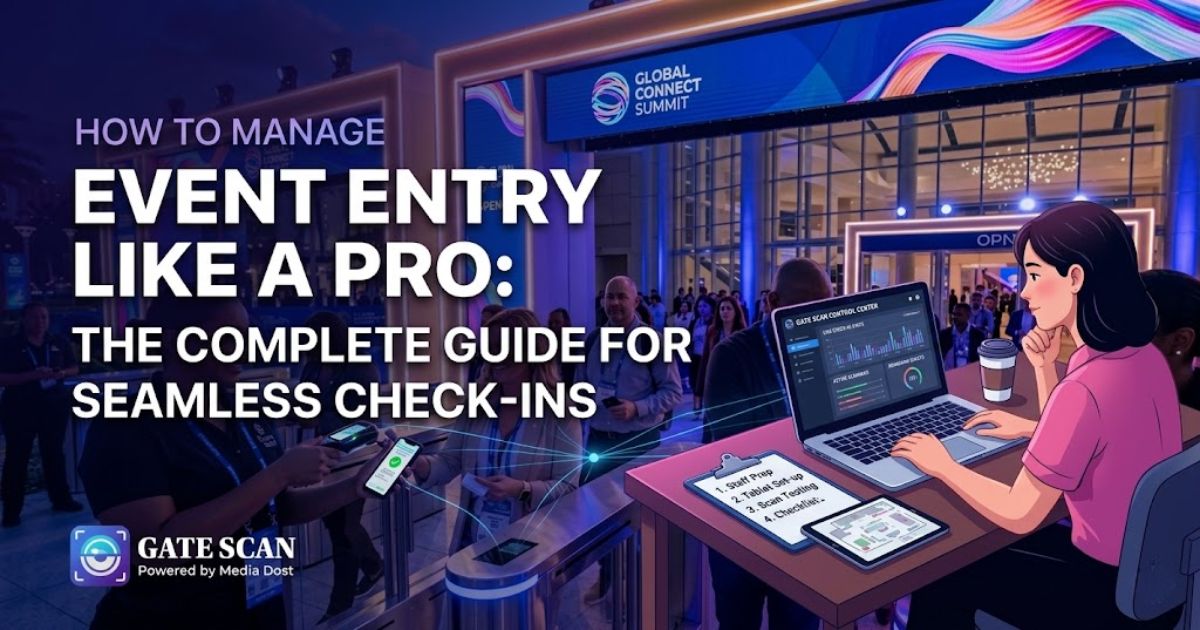
Mistake 7 – Not Watching Entry Data in Real Time Without visibility into how fast lanes are moving, organizers only find out about a bottleneck when the queue is already out the door. Fix: Use a live dashboard to track scan rates and lane performance as guests arrive. GateScan's real-time attendance data lets you spot a slow lane early and redirect staff or open a new one before it becomes a problem.